 Orien
Orien
Speak with your eyes.
Orien is a free iPhone app for people who can't speak or use their hands. Look toward a word or phrase, and your iPhone says it out loud.
Made for people living with ALS, and for the people who care for them.
Get Orien free on the App StoreNeeds an iPhone with Face ID and iOS 17 or later.
- Free to talk, for goodEvery way to communicate in Orien is free, and it stays that way.
- No account, no adsOpen it and start. There's nothing to sign up for.
- Nothing leaves your phoneThe camera follows your eyes. Nothing is recorded or sent anywhere.
How it works
Set up the phoneMount your iPhone in front of your face. Orien uses the same front camera as Face ID, so there's nothing extra to buy.
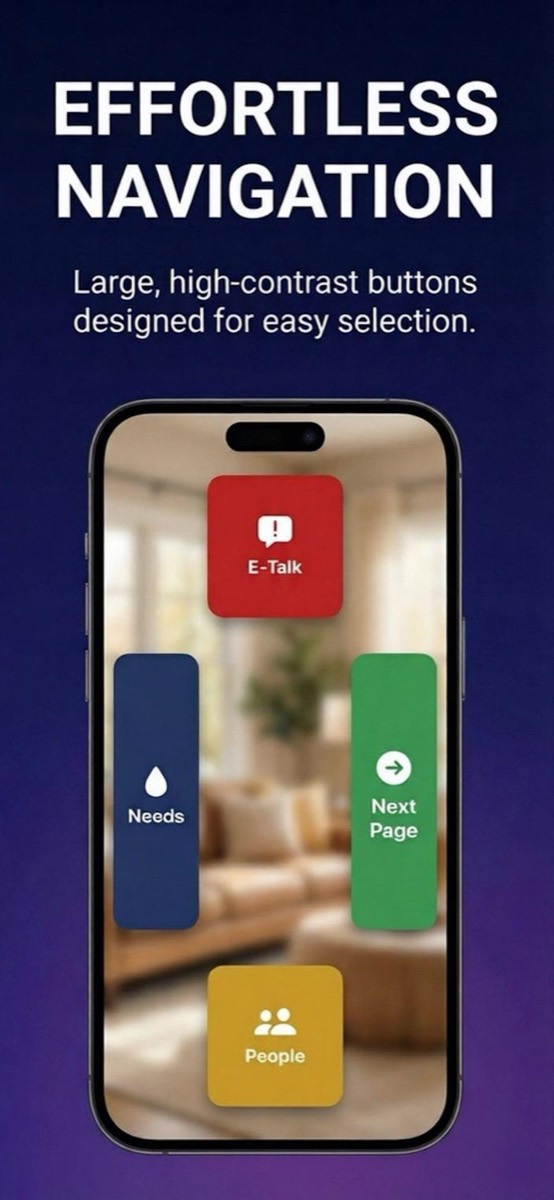
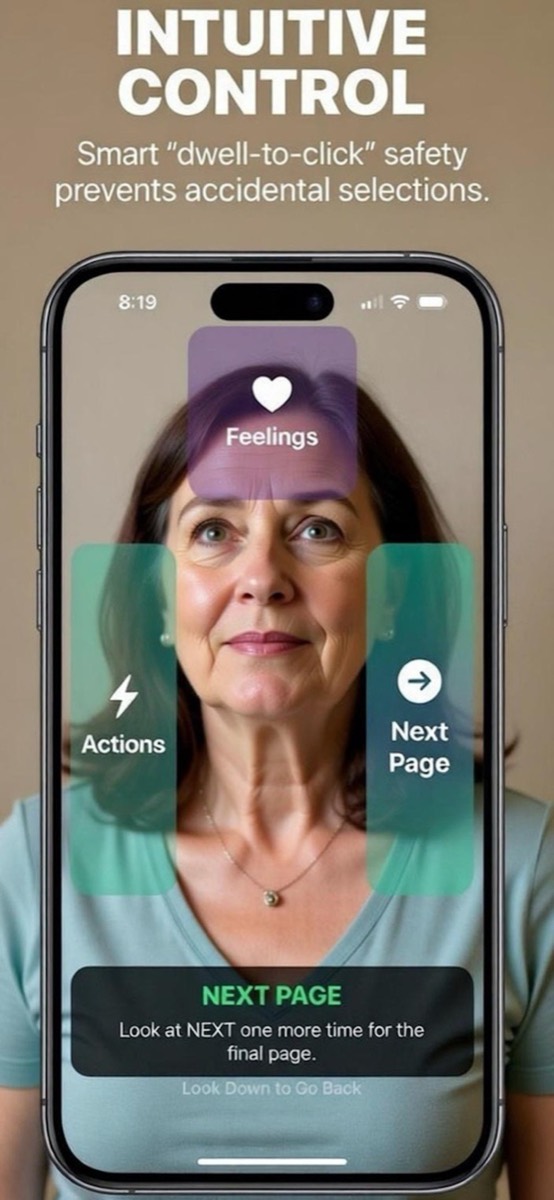
Look toward a choiceLook up, down, left or right to highlight what you want to say.
Hold your gaze or blinkOrien picks it, and your iPhone says it out loud.
What you can say and do
Ask for help fast
"Help me," "I'm in pain" and "Stop" are right up front, a glance away.
Needs and feelings
Food, drink, comfort and care, plus how you feel, including showing where it hurts.
Talk to the people you love
Say their name and "Can you come here?", "Please stay with me" or "I love you." Get texts ready to send.
Say anything
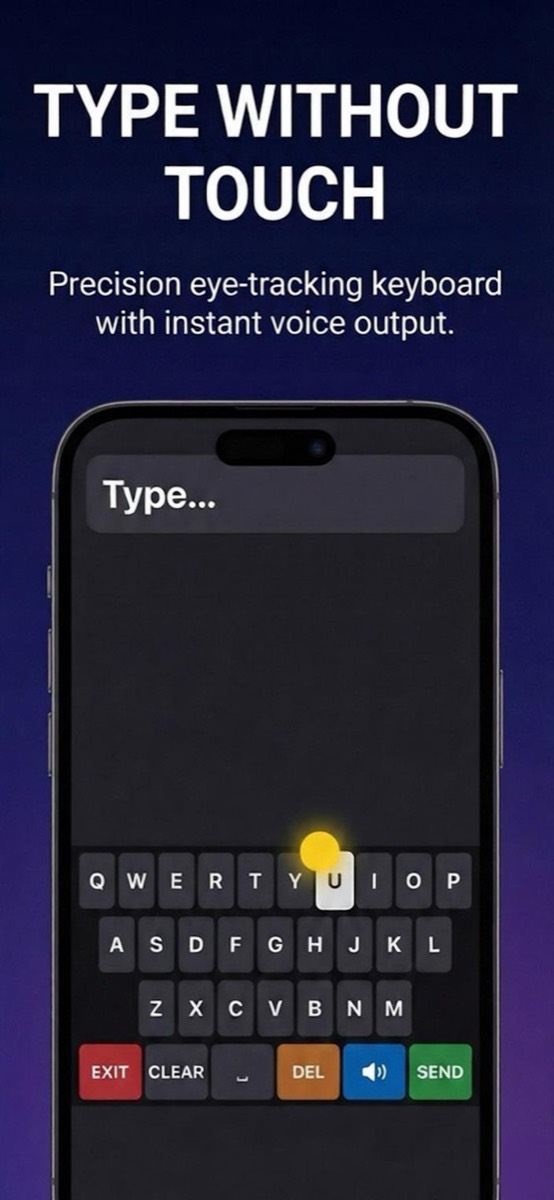
Spell your own words with a keyboard you control with your eyes.
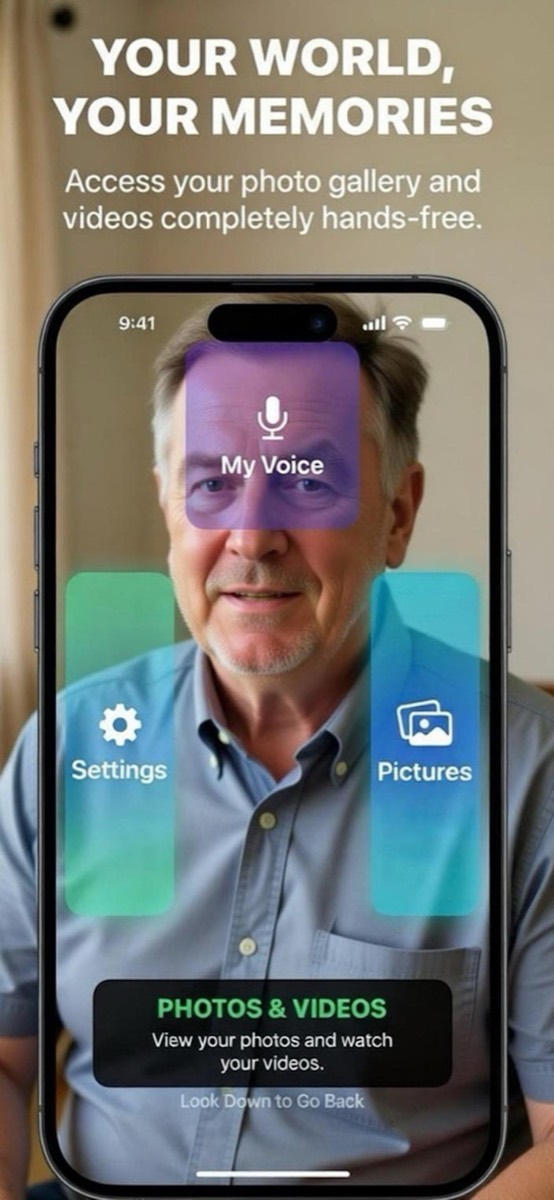
Photos and videos
Look through your photos and watch your videos without touching the screen.
Made to fit you
Four selection speeds, adjustable sensitivity, your choice of voice, and a tutorial you can replay. Caregivers can tap the screen any time.
See it
What you need
- An iPhone with Face ID running iOS 17 or later. That's iPhone XR, XS or any newer model with Face ID. iPhone SE models won't work.
- A mount or stand that holds the phone steady in front of the face.
- Good light on the face. A bright window behind the person makes tracking harder.
iPad isn't supported yet. It's on the way.
Your privacy
Everything stays on your phone. There are no accounts, no analytics, no ads and no servers. The camera is used only to follow your eyes, and nothing is recorded or sent anywhere. We can't see anything you do in Orien.
For clinicians and speech therapists
Orien is a bridge, not a replacement. A dedicated eye gaze device and an AAC evaluation are still the right path for many people, and they serve people a phone camera can't.
Because Orien is free, a family can start today, while they wait on a device or on insurance. If you'd like to try it with patients, or tell us what's missing, we'd love to hear from you.
Common questions
Is Orien really free?
Yes. Every way to communicate in Orien is free, and that won't change. Later on there may be optional extras that cost money to run, like sending texts without touching the phone. If that happens, they'll be clearly labeled, and they'll never lock the ways you communicate.
Does Orien record my face?
No. Orien reads where your eyes are pointing, on your phone, and throws the camera image away right after. No video, photos or face data is saved or sent anywhere.
Does it work on iPad?
Not yet. iPad support is planned for a future update.
Can I use Orien in an emergency?
No. Orien is a communication aid, not an emergency system. In an emergency, call 911 or use Emergency SOS on your iPhone.
Something isn't working. Where can I get help?
Visit the help page or email midwestcreationstudio@gmail.com. We read every message.
Who makes Orien
Orien is made by Midwest Creation Studio, a small studio in Green Bay, Wisconsin. We believe communication is a right, not a paywall.